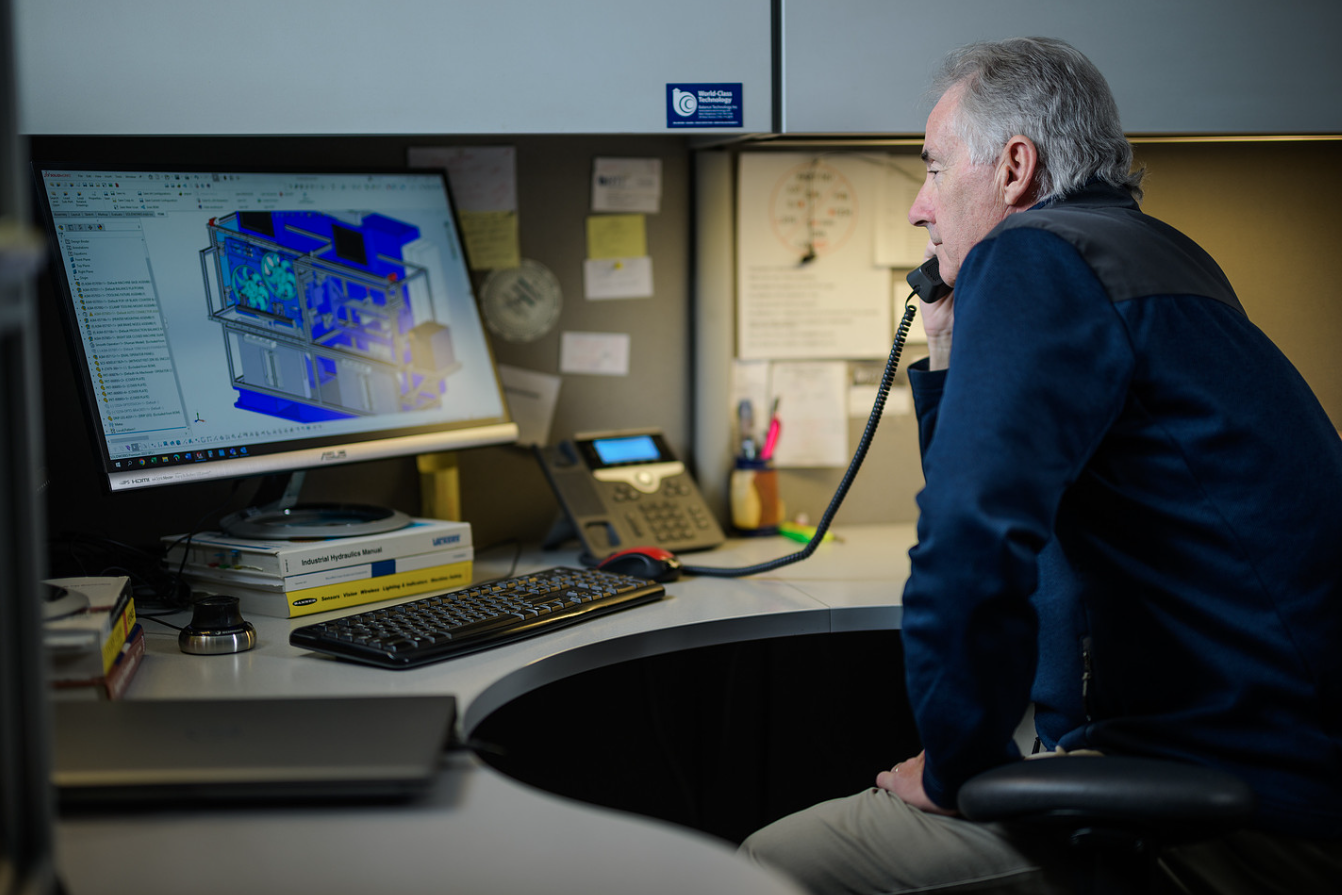
Customizable, Windows-Based Software
BTI has combined Microsoft Windows-based software with industrial, NEMA-rated computers yielding the most reliable, advanced, and user-friendly computer controls available. With superior durability and flexibility, BTI’s software delivers features needed in today’s manufacturing environment in a clear and user-friendly way. Extensive use of visual aids and detailed menus simplify machine use and reduce human error. Illustrative pictures and graphics reflective of your specific application lead the machine user confidently though critical operations, while built-in error-proofing helps assure that the steps are performed correctly. All unit types are operator selectable, so you can display what you and your team are familiar with. Typical software updates and program changes are made easy by downloading a self-executable file from BTI’s FTP site.
Setup Screens
BTI’s software typically displays actual machine photos and graphics to aid the operator during setup and changeover procedures.
Security
In an effort to minimize the negative effects of “button pushers,” BTI’s software allows a plant administrator (typically a plant engineer), to give different access levels to every user or discipline. Some customers choose by individual, while others choose by discipline (such as engineering, maintenance, technician, operator, etc.). In addition, the machine logs key changes with a date and time stamp in an effort to identify potential issues. To assign access rights, the administrator simply places a “check” next to whatever screens the user is to have access to. The user must log in to make changes, or in some cases, swipe their respective badge to log in.
What the Operator Can Set
The balance software is built so that a trained operator, not a programmer, runs changeover. Selectable parameters include:
- Unbalance display as force (static), force/couple, or two-plane
- English or metric units — oz-in, g-mm, g-cm, g-m, kg-mm, kg-cm, kg-m, g-in, N-m, or unbalance at a selected correction radius
- Number of decimal places
- Tolerance levels for acceptable and reject parts, in unbalance units or weights at radius
- Correction by adding or removing weight
- Stored part setups recalled from machine memory
- Event and error logging displayed as it occurs
Guided Setup and Changeover
Setup screens display actual machine photographs and graphics rather than abstract menus, so the operator is looking at the thing they are adjusting. Extensive visual aids, detailed menus and built-in error proofing reduce the chance of a wrong entry going unnoticed.
Access Control
Screen access security uses the administrator features of the Windows operating system, so your network administrator assigns access levels per user by checking which screens that user may reach. Balance parameters are not left open to anyone who walks up to the panel.
Updates and Support
Software updates and program changes are made by downloading a self-executable file from a file-sharing location set up by BTI — no site visit required for a routine update. Hard drive recovery images ship with the machine.
Related
- Industrial computers and PLCs — the hardware underneath
- Statistics and production data — the SPC side of the same software
- Multilingual capability — language and unit options
Contact BTI with questions about software features or operator access levels.
Get Started
Get in touch with us. We're here to assist you.
Connect with our measurement experts and get the technical guidance your application demands.